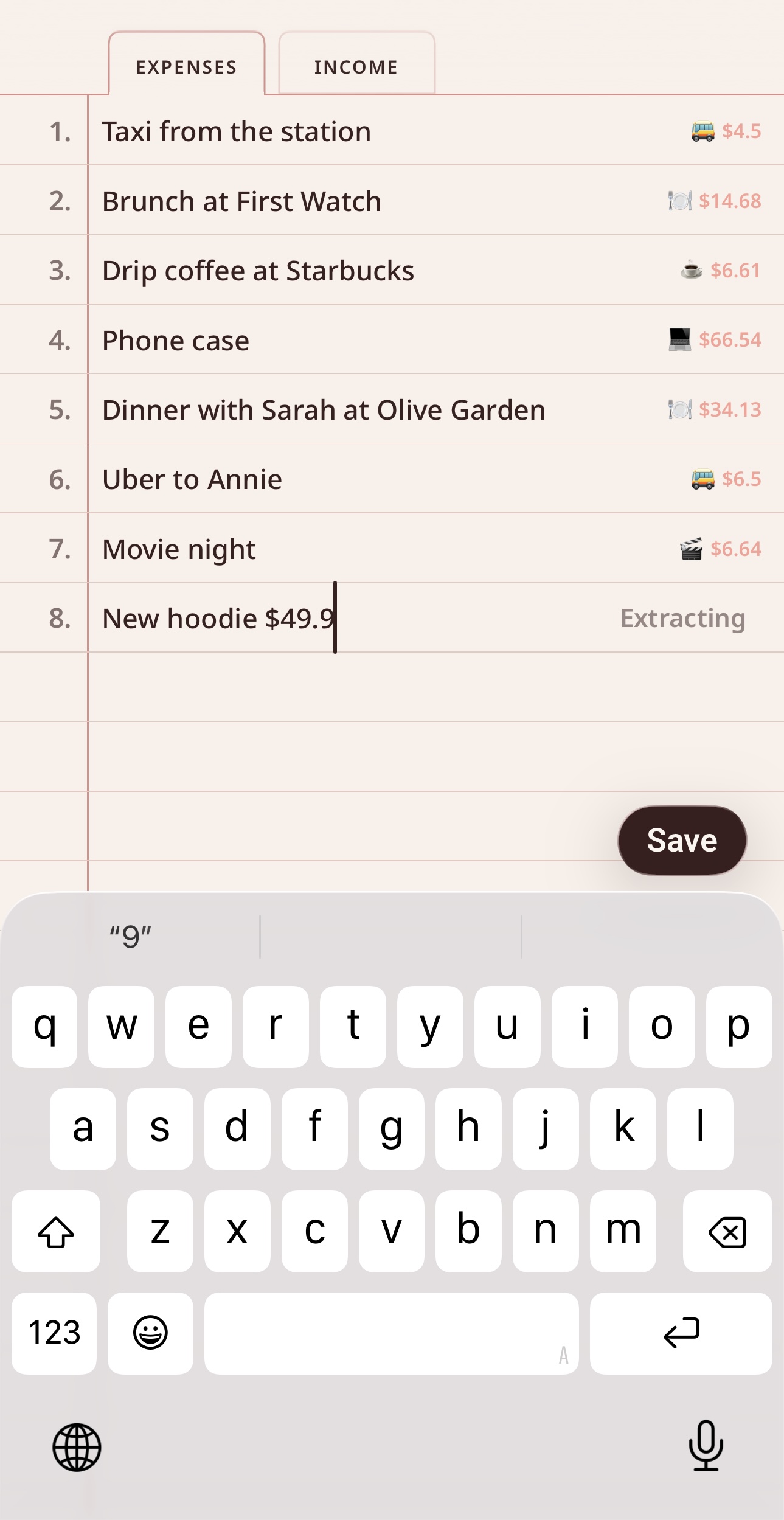
Write naturally. AI categorises.
Each day is a page. Write expenses and income line by line, like jotting in a notebook. As you type, on-device AI extracts the category, amount, and currency. Nothing leaves your phone.
For iPhone · iOS 26
Today Expenses is a daily cashbook for iPhone that looks and feels like a paper notebook. Each day has a page. You write one line, like “coffee 4.50” or “dinner with Sarah 34”, and the app categorises it for you. No forms. No accounts. No servers.
Platform
iPhone, iOS 26 or later
Pricing
Free 24h, $3.99/mo, $14.99/yr
Privacy
On-device AI, iCloud sync
Best for
Students, freelancers, first salary
What you get
Today Expenses is built around a single habit: write what you spent today, in your own words, in under a second. Everything else, like categories, totals, charts, and widgets, falls out of that automatically.
Each day is a page. Write expenses and income line by line, like jotting in a notebook. As you type, on-device AI extracts the category, amount, and currency. Nothing leaves your phone.
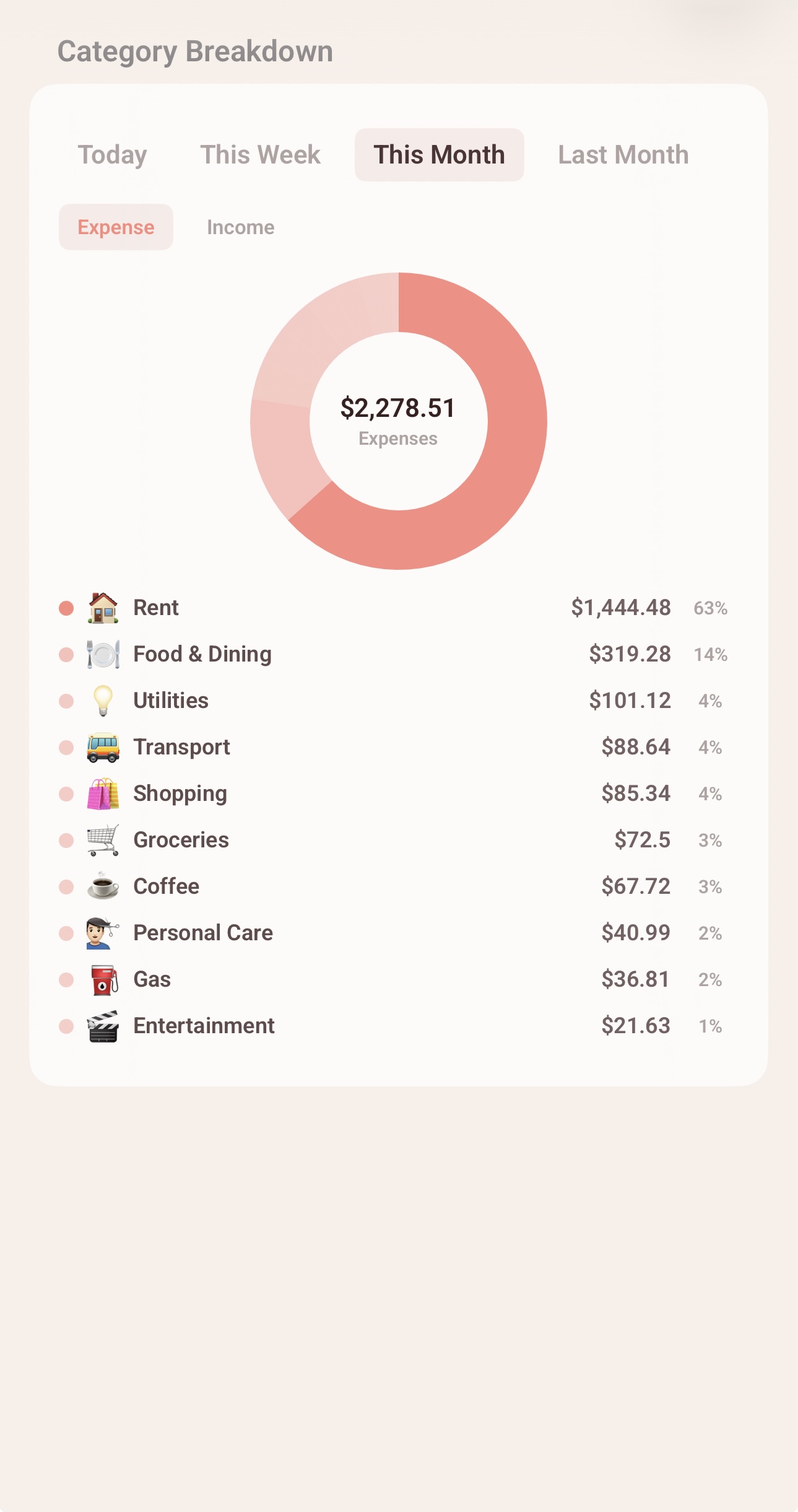
Net balance, category breakdown, weekly and monthly views, a 6-month chart, and a spending calendar, all generated from what you wrote.

Today Balance, Today Records, This Week, This Month, 6-Month Overview, Spending Calendar, Streak, and Category Breakdown, in small, medium, and large sizes.
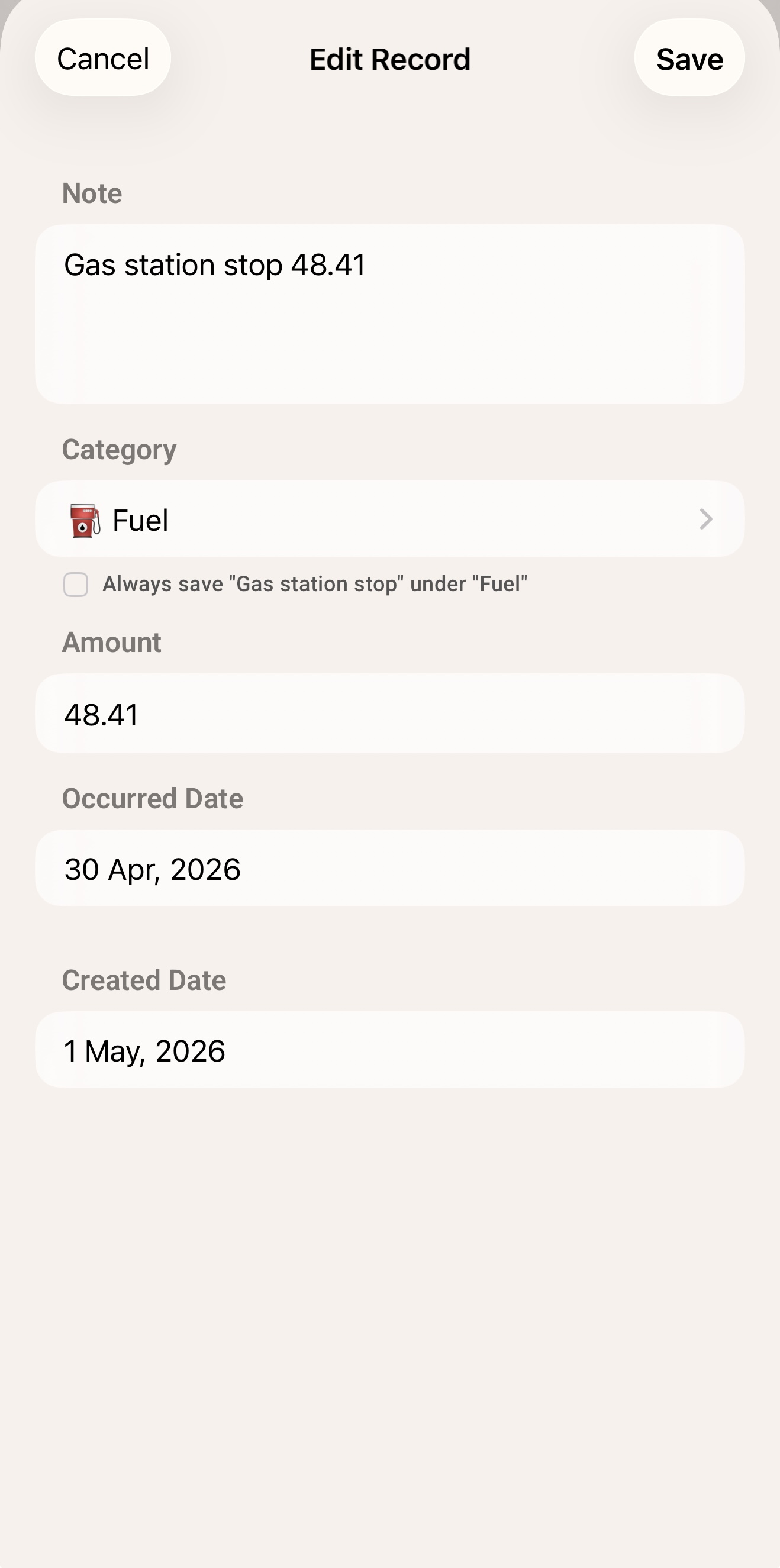
Your data syncs across iPhone, iPad, and Mac via your own iCloud account using CloudKit. No Today Expenses servers. Tap any record to correct record details.
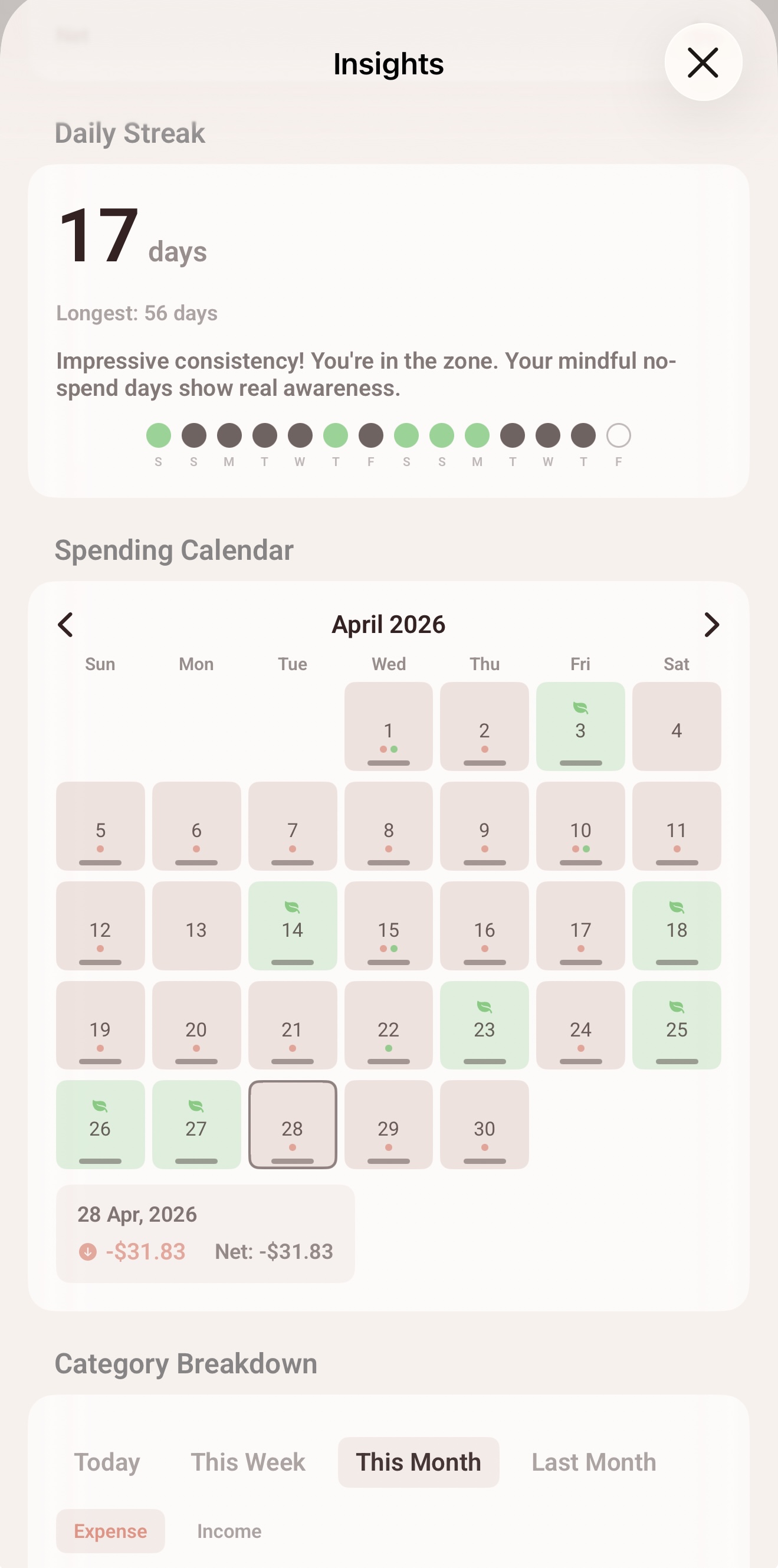
A gentle nudge to write something every day. Open the app, write a line, keep your streak, even on a no-spend day.
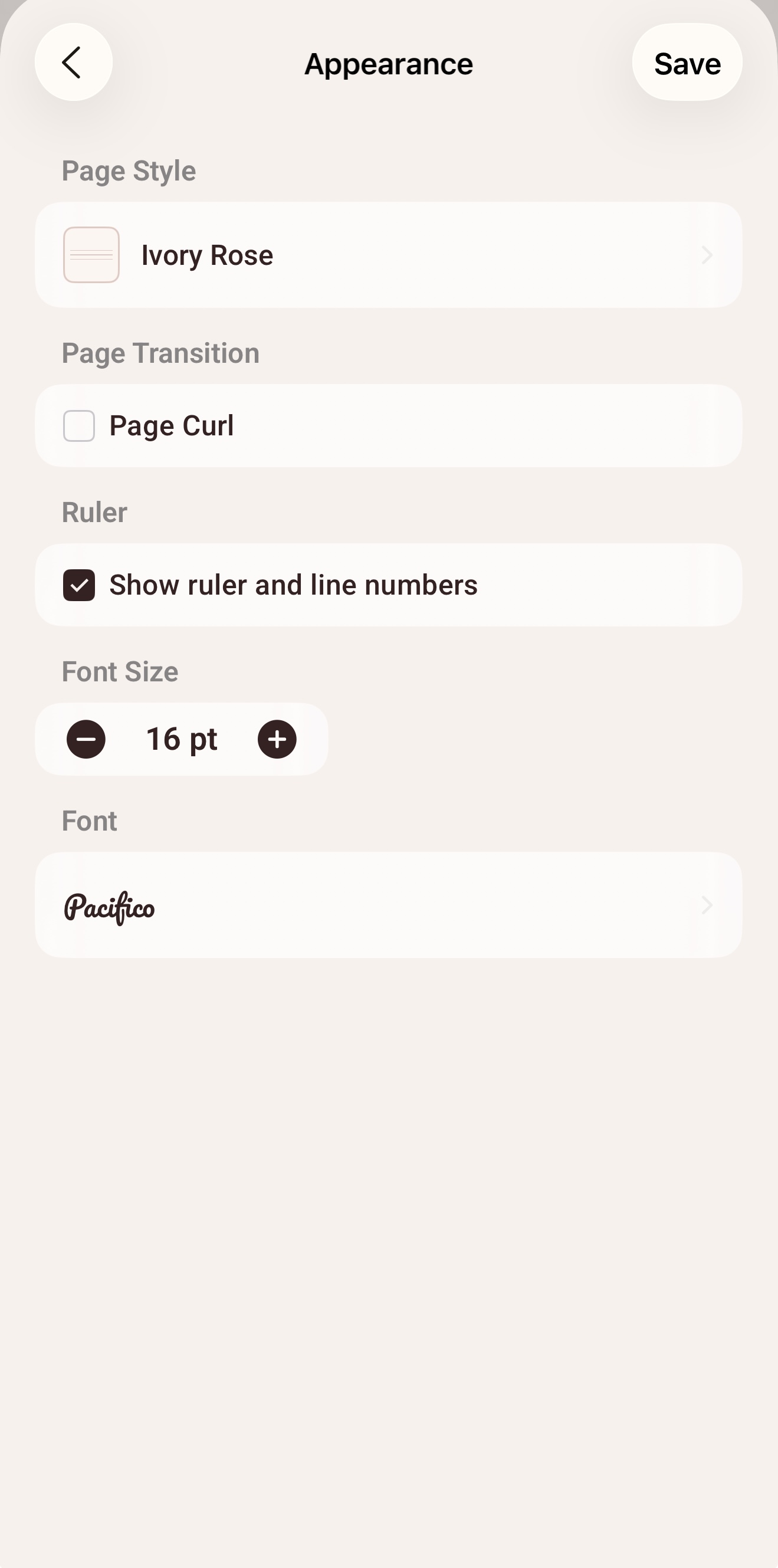
Pick your font, font size, and preferred currency. Match the page style to whatever notebook you would actually want to use.
Who it’s for
Today Expenses is not a replacement for full accounting software. It is for the days you want to know where your money went without opening a spreadsheet.
If you’ve ever set up an envelope budget, abandoned it, and felt vaguely guilty about it, start here. There’s nothing to set up.
Lunch, transport, the occasional concert ticket. Write what you spent, see the week, see the month, move on with your day.
Get a clear picture of where the paycheck actually goes, without committing to a “financial system” you’ll quit in three weeks.
A taxi to a client, a coffee at a co-working space, a $9 SaaS charge. Capture it in one line. Export the chart at month end.
If logging always felt like too much effort, the friction was the problem, not your discipline. Today Expenses removes the friction.
If you already journal expenses on paper, this is the same habit on your phone, with totals, charts, and widgets you don’t have to draw.
AI Models
Both models live entirely on your iPhone and work offline. Switch between them in Settings whenever you like.
Built into Today Expenses
A lightweight text classifier trained specifically for Today Expenses on 16,700 expense and income notes across 71 everyday categories, including food, transport, shopping, bills, health, and entertainment. It uses keyword matching first for instant results on common notes, then falls back to the classifier for less obvious ones.
Powered by Apple Intelligence
Apple’s on-device foundation models, available on iPhones with Apple Intelligence. Strong at unusual notes, like niche hobbies, long descriptions, or mixed languages, and infers categories that don’t exactly match a known pattern.
Make it yours
Pick the paper, set the font, choose your currency. The widgets on your home screen automatically follow the style you pick.
Privacy
Today Expenses has no accounts, no sign-ups, and no third-party servers. Everything you write is stored on your device and synced privately via iCloud, using Apple’s CloudKit.
There’s nothing to register. Open the app, start writing. There is no email, no password, no “profile.”
Today Expenses doesn’t run a backend for your data. Sync goes directly between your devices through your own iCloud, via Apple’s CloudKit.
Both AI models run on your iPhone. Your notes are never sent to a server to be categorised. The Pre-Trained Model was built using curated sample data only. Your data is never used to train or improve any model.
Compared with
Apps like YNAB and Mint are powerful, but they assume you want a financial system. Today Expenses assumes you want a habit. Here’s the honest difference.
Setup time
Account required
Data location
Bank linking
AI categorisation
Daily entry friction
Works offline
Pricing
If you want envelope budgets, sinking funds, or full bank reconciliation, YNAB is genuinely a better tool. Today Expenses is for everyone else.
Pricing
No card is required for the 24-hour free period. Cancel anytime in your Apple ID subscriptions.
For new users
Free for 24 hours
Full access. No card required. No reminders. Decide when the day’s up.
Most flexible
$3.99 / month
Includes a 3-day free trial for eligible users.
Best value
$14.99 / year
Roughly 69% off the monthly price.
Available on iPhone, iOS 26 or later. 24-hour free period for new users, no card required.